Hashrate dropped: a step-by-step diagnosis
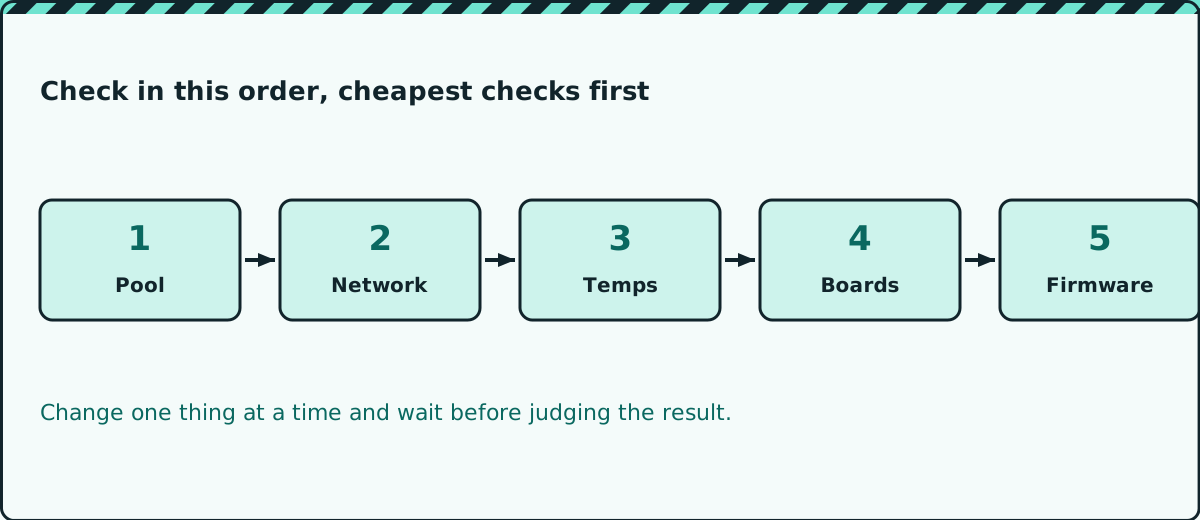
Your miner is running but producing less than it should. Check the pool, network, temperatures, boards and firmware in that order, cheapest checks first.
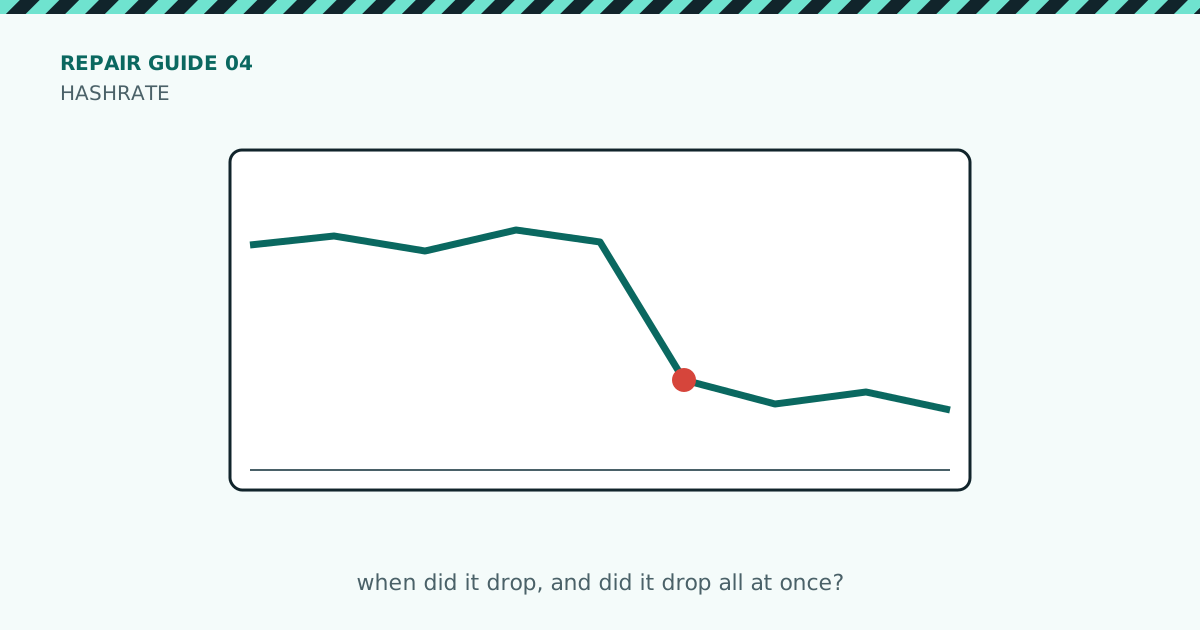
A miner that is running but producing less than normal is not broken in the same way as a dead one. The trick is to find out when the drop happened and how big it was, because that narrows down the cause quickly.
What you’ll need
- Access to the miner’s web page
- Access to your pool’s dashboard
- A notebook or text file to record what you find
The checks
- Look at the shape of the drop. A sudden fall to a lower steady level often means a board or part of a board dropped out. A slow decline points to heat or dust. A very jagged line points to network or power trouble.
- Compare the pool’s number with the miner’s number. If they disagree, the problem may be the connection, not the machine.
- Check the network. Look for repeated reconnects or rejected shares in the miner’s log, and test the cable and port.
- Check temperatures and fans. Miners slow down when they get too hot. Clean dust from the intakes and make sure the room is not recirculating its own hot air.
- Count the boards and chips. Compare the number the miner reports with what it should have. One missing board explains a large, steady drop.
- Check the firmware. If the drop started right after an update or a settings change, undo the change and watch for an hour before deciding.
Rules that save time
- Change one thing at a time, then wait long enough for the numbers to settle.
- Write down the time of each change so you can match it to the chart.
- Do not trust a single reading. Compare an hour of data with the hour before it.
Caution: If you lower or raise power or frequency settings while testing, change them gradually and keep an eye on temperatures.
When to stop and get help
If a board or chip count is wrong after reseating cables and swapping slots, the fault is on the board. At that point, hand it to a repair shop with your notes.
Quick checklist
- Noted when the drop started and how big it was
- Compared pool and miner numbers
- Checked cable, port and log for reconnects
- Checked temperatures and cleaned intakes
- Counted boards and chips
- Reviewed recent firmware or settings changes
Safety first: unplug the miner and let it cool before opening it, and never open a power supply unless you are trained to. Repairing a miner may void its warranty.
Enjoyed this? Get the next one by email
New posts straight to your inbox.